AVer U50+ Visualizer

R5 395,00 incl. VAT

Teach your way. Anywhere. Every day.

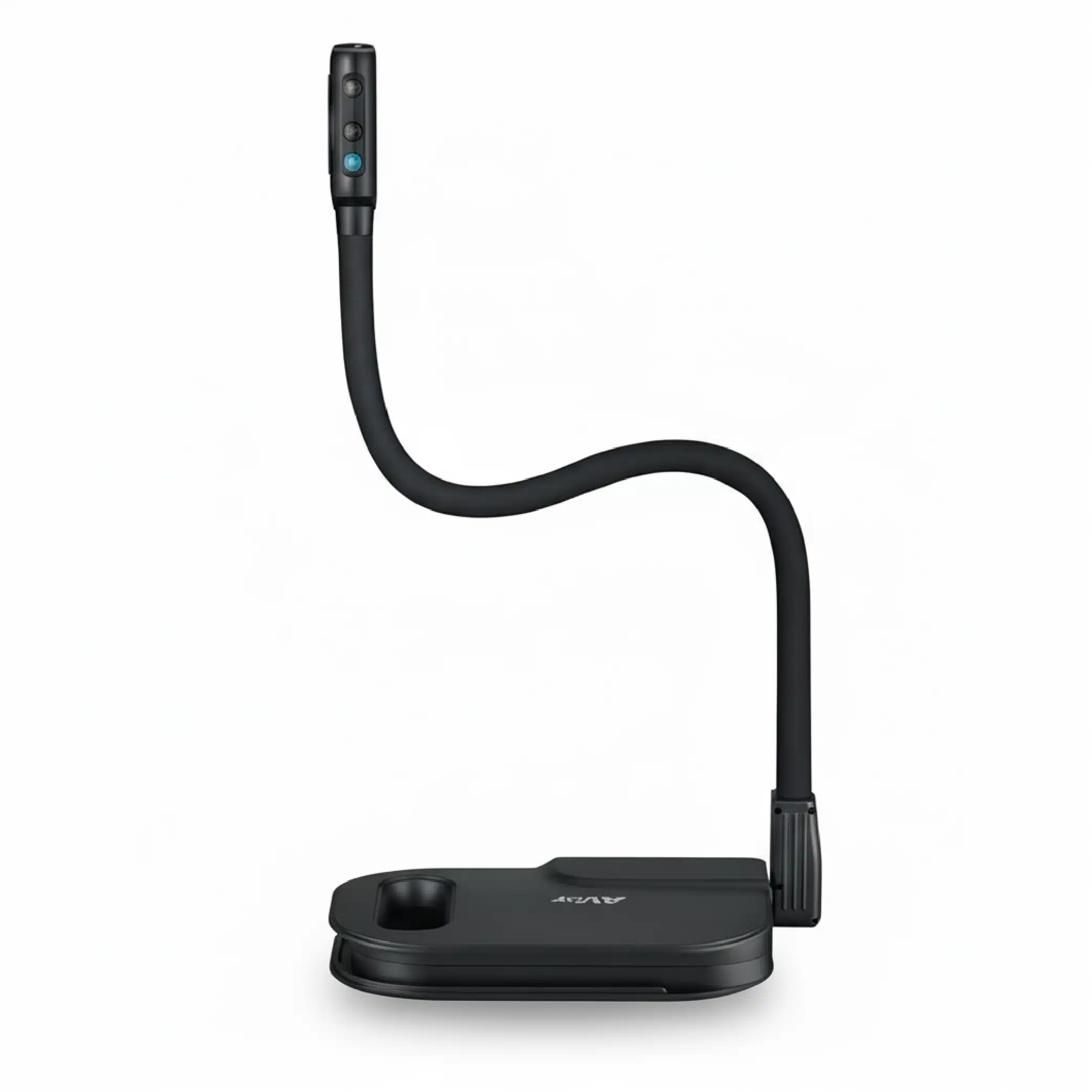
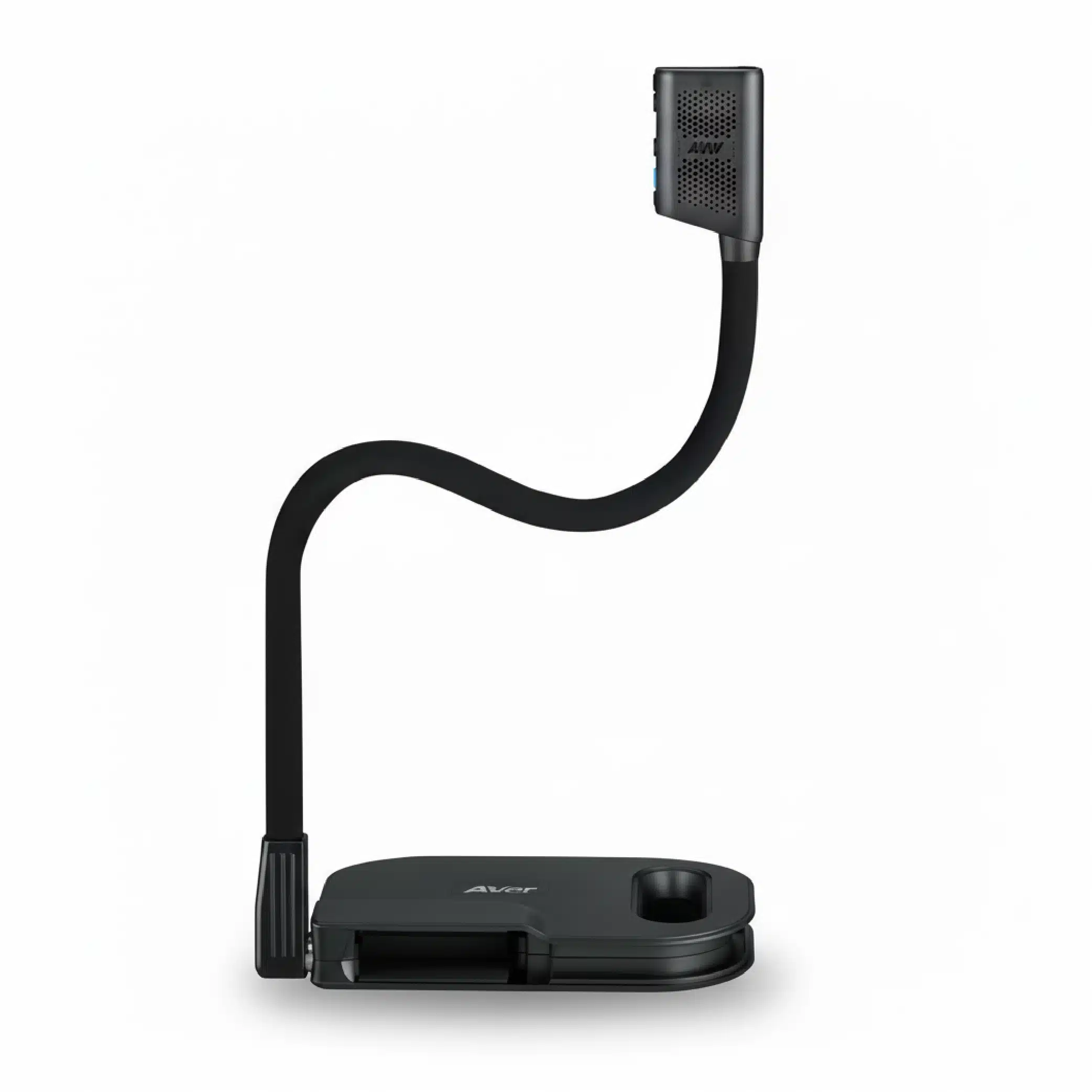
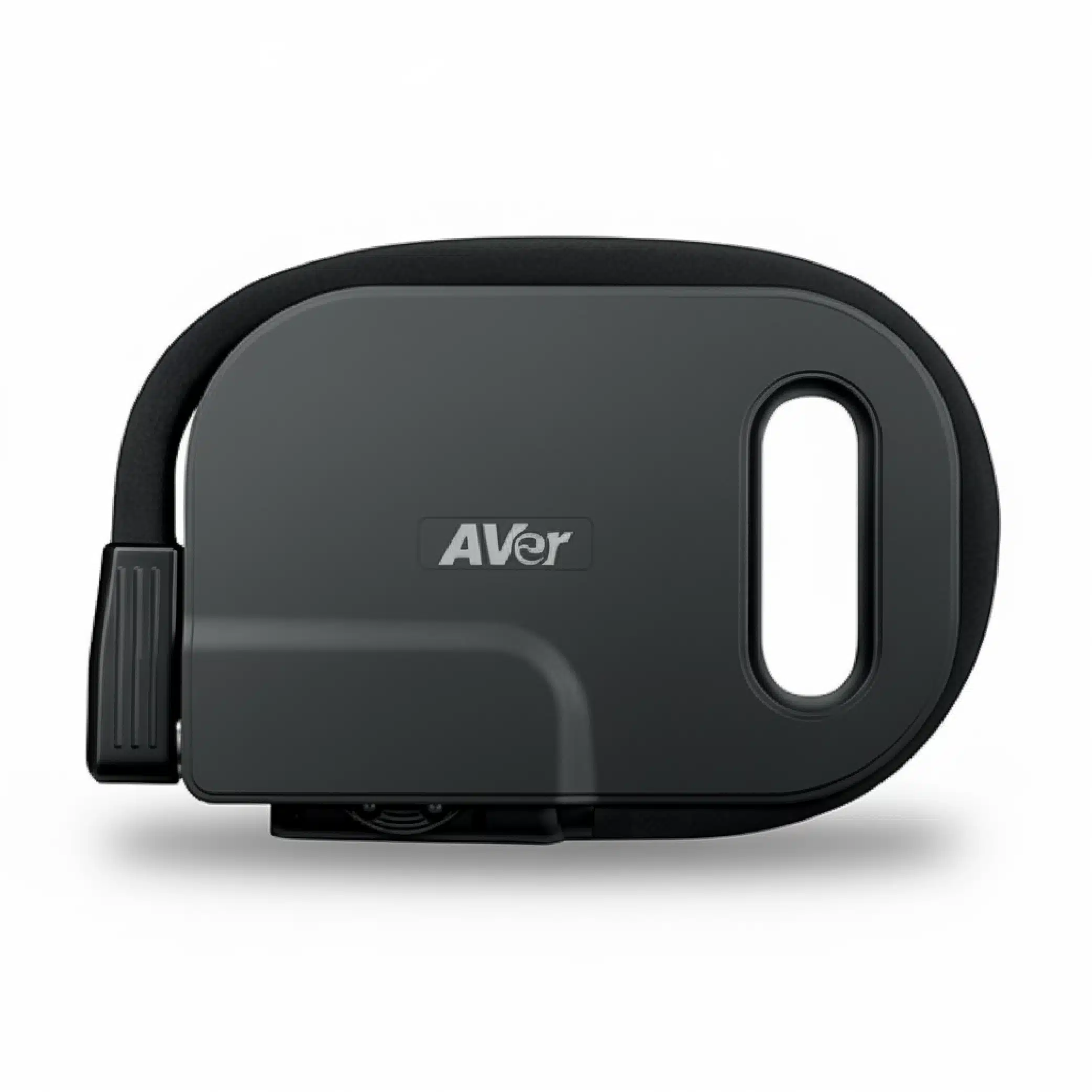
Introducing the U50+ Visualiser — an exceptional device for efficient teaching. With its impressively smooth 60 fps imaging and an 8-megapixel lens, the U50+ captures every detail in vivid resolution. Also, a practical handle ensures easy portability and convenient storage. Added AVerTouch software elevates your lessons by enabling high-quality image capture, real-time recording, and cloud-based content uploading through Google Classroom for an interactive and reflective learning experience. Unlock new level of clarity, convenience, and interactivity in the classroom with the U50+ Visualiser.

Share:

Premium Camera Reveals the Future of Imaging

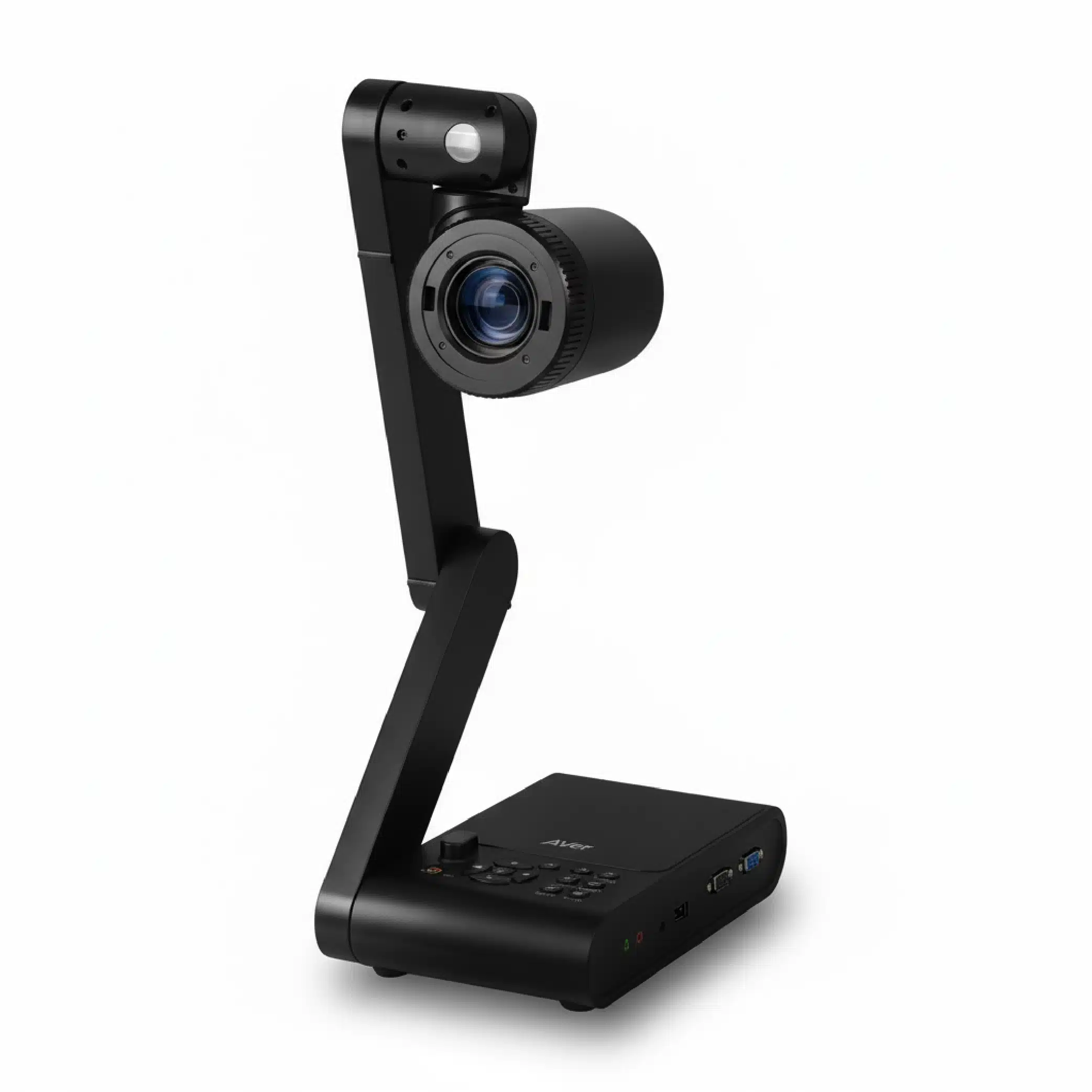
Featuring a high-definition camera with up to 8-megapixel resolution and a 16X digital zoom lens, the U50+ allows teachers to present realia in exceptional clarity. This capability helps learners grasp every learning detail and takes lessons to a new realm of educational excellence.

USB Plug-and-Play

The U50+ requires only a single USB cable for both power and connectivity. This simple set-up lets teachers start a lesson at any time and from anywhere, making the U50+ an invaluable tool for distance learning and hybrid classrooms.

Portable Design

The U50+ is designed for easy transportation. A built-in handle makes carrying the U50+ effortless, while the snugly fit frame of the camera head and flexible arm design ensure that the U50+ remains secure when you carry it with a collection of teaching aids.

One Camera for Multiple Angles & Functions

The U50+ is both a visualiser (document camera) and a webcam. Its flexible arm can be bent at any angle, allowing teachers to present teaching materials however they need to. But even when there are no materials to present, teachers can use the U50+ as a webcam, eliminating the need for additional equipment to start a lesson.

3-Level LED Light Fits More Scenarios

Equipped with a built-in 3-level LED light, the U50+ offers teachers greater flexibility to adapt to different lighting conditions in the learning environment. Easily adjust the light level by pressing the LED button located on the side of the camera head. This feature is especially useful in dark settings, serving as a helpful tool for teachers.

Free AVerTouch Software Enhances Remote Teaching

Simply connect your U50+ with one touch to immediately start sharing content and annotate as you go. With its easy and intuitive functions — as well as cloud sync for automatic backups of your annotations, captures, and recordings — this software enriches the overall teaching experience with unprecedented interactivity. You can even capture images and videos via Google Classroom by connecting the U50+ to AVerTouch software.

Additional information

Weight 1,5 kg
Dimensions 390 × 250 × 447,5 mm
*Specifications may vary depending on countries and are subject to change without notice.

  • Image Sensor
    • CMOS 1/3.2”
  • Total Pixels
    • 8 Megapixels
  • Frame Rate
    • 60 fps (max.)
  • Output Resolution
    • Up to 8M (3264 x 2448)
  • Zoom
    • 16X Digital Zoom (via Software)
  • Focus
    • Manual (via Software) / Auto (via Button)
  • Shooting Area
    • Larger than A3 (420 x 315 mm)
  • Image Rotation
    • Rotation 0° / 180° (via Button)
    • Electronic Rotation 0° / 90° / 180° / 270° (via Software)
  • Image Effects
    • Color / W&B / Negative (via Software)
    • Freeze (via Software)
  • Image Adjustments
    • Yes (via Software)
  • Presentation Tools
    • Spotlight / Visor (via Software)
  • Flicker Filter Control
    • Yes (50 / 60 Hz)
  • Recording
    • Yes (via Software)
  • Capture
    • Single / Continuous (via Software)
  • Annotation
    • Yes (via Software)
  • Light Source
    • Embedded LED Lamp
  • Mic
    • Built-In
  • Mini USB 2.0 Port
    • 1 Out
  • Dimensions (W x D x H)
    • Operating: 250.0 x 390.0 x 447.5 mm
    • Folded: 259.0 x 165.0 x 39.3 mm
  • Weight
    • 1.5 Kg (3.3 lbs)
  • Warranty
    • 2 Years
  • Power Source
    • USB 2.0 Bus-Powered, 5V / 0.5A
  • Software
    • Sphere 2, AVerTouch, Sphere Lite
  • Windows® OS
    • Windows® 7, 10, 11
  • Mac® OS
    • macOS® 10.15, 11, 12, 13
  • Chrome™ OS
    • Chrome™ OS 88 Or Later
    • (Available via The Sphere Lite App Only)

Media Resources

FAQ

A detailed answer to provide information about your business, build trust with potential customers, or help the visitor with a problem they may be encountering

A detailed answer to provide information about your business, build trust with potential customers, or help the visitor with a problem they may be encountering

A detailed answer to provide information about your business, build trust with potential customers, or help the visitor with a problem they may be encountering

A detailed answer to provide information about your business, build trust with potential customers, or help the visitor with a problem they may be encountering

A detailed answer to provide information about your business, build trust with potential customers, or help the visitor with a problem they may be encountering

A detailed answer to provide information about your business, build trust with potential customers, or help the visitor with a problem they may be encountering

A detailed answer to provide information about your business, build trust with potential customers, or help the visitor with a problem they may be encountering

A detailed answer to provide information about your business, build trust with potential customers, or help the visitor with a problem they may be encountering

Customer Reviews

“A review from a customer who benefited from your product. Reviews can be a highly effective way of establishing credibility and increasing your company's reputation.”
Customer Name
“A review from a customer who benefited from your product. Reviews can be a highly effective way of establishing credibility and increasing your company's reputation.”
Customer Name
“A review from a customer who benefited from your product. Reviews can be a highly effective way of establishing credibility and increasing your company's reputation.”
Customer Name