
Conference camera vs. Webcam: Which Should You Buy?
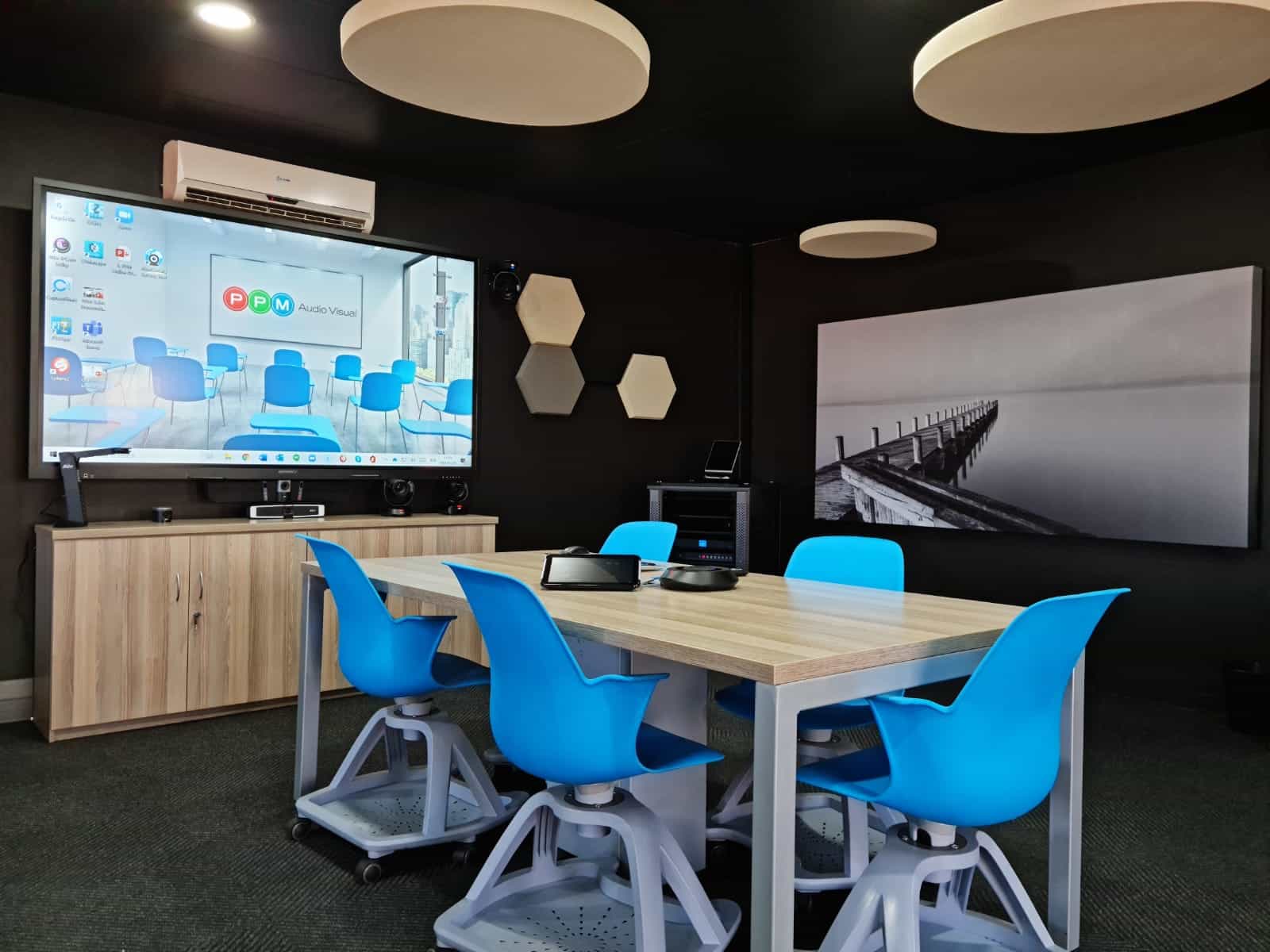
Choosing between a conference camera and a webcam depends on how you actually meet. If you’re setting up a single desk for remote work, a webcam is usually the smarter choice; if you’re equipping a meeting room, hybrid workspace, or boardroom, a conference camera is generally the better investment.
At PPM Audiovisual, we’ve seen that the wrong choice often leads to poor framing, weak audio pickup, and a setup that feels awkward every time you join a call. The right camera does more than improve video quality – it makes your meetings smoother, more professional, and easier to run.
Conference Camera vs Webcam
A webcam is built for one person at a desk, while a conference camera is built to cover a room full of people. That distinction affects everything from field of view and audio pickup to how professional the meeting looks on Zoom, Microsoft Teams, or Google Meet.
Webcams are usually easier to install, more affordable, and better suited to personal workstations. Conference cameras cost more, but they solve the real problems that come with group meetings, including wider framing, better room coverage, and more natural hybrid collaboration.
Which Should You Buy?
If your meetings are mostly one-on-one, buy a webcam. If your meetings happen in a shared space, buy a conference camera. That simple rule prevents overspending and helps you match the device to the room instead of forcing the room to fit the device.
For South African businesses, this is especially important because budgets matter and downtime matters. It is often better to invest once in the right AV solution than to keep replacing a device that never quite fits the way your team works.
Practical Buying Guide
Here’s a simple way to decide:
- Buy a webcam if you work from a desk, do solo video calls, or need a budget-friendly upgrade for personal meetings.
- Buy a conference camera if you have a boardroom, huddle room, training room, or hybrid meeting space with multiple participants.
- Choose a conference camera if remote attendees need to clearly see several people at once without crowding around a laptop.
- Choose a webcam if your main goal is a sharper, more flattering image for one speaker in a fixed position.
Why PPM Audiovisual Recommends Matching the Device to the Room
From a business perspective, the biggest mistake is buying for the spec sheet instead of the room. A webcam may look like the cheaper option, but if it leaves half the team off-camera or makes remote attendees feel disconnected, it is not the right solution.
At PPM Audiovisual, the more effective approach is to look at room size, meeting type, seating layout, and how often the space is used. That is where the best long-term value comes from, especially for companies building a reliable conferencing setup.
Example Use Cases
A solo consultant working from home usually gets the best value from a webcam because the camera only needs to frame one person cleanly. In that scenario, a conference camera would add unnecessary cost and complexity.
A six-person meeting room is different. A conference camera is the better fit because it can capture the whole table more naturally and improve the experience for both in-room and remote participants.
A client-facing boardroom is another example where a conference camera makes sense. It helps the business present a more polished image and reduces the friction of adjusting a laptop camera before every call.
FAQ
What is the main difference between a conference camera and a webcam?
A webcam is designed for individual use at a desk, while a conference camera is designed to cover multiple people in a room. Conference cameras usually offer a wider field of view and better room-focused audio features.
Is a webcam good enough for business meetings?
Yes, if only one person is speaking from a desk. For group meetings, hybrid sessions, or boardrooms, a conference camera is usually the better option.
Are conference cameras worth the extra money?
They are worth it when you need to cover a room, not just a person. In those cases, the added cost usually pays off in better video coverage, smoother meetings, and a more professional result.
What should South African businesses buy first?
Start with the room and the meeting style. If it is a desk setup, buy a webcam; if it is a meeting space, buy a conference camera.
Can PPM Audiovisual help with the right setup?
Yes – PPM Audiovisual is positioned as a local AV business, which makes it a strong fit for advising on conferencing equipment choices based on real room needs and practical deployment. Our friendly team is ready to assist you, contact us here.
Conclusion
The best choice is not the most expensive one; it is the one that matches how you work. For individual use, a webcam is usually the smarter buy, but for meeting rooms and hybrid collaboration, a conference camera delivers far better value.


