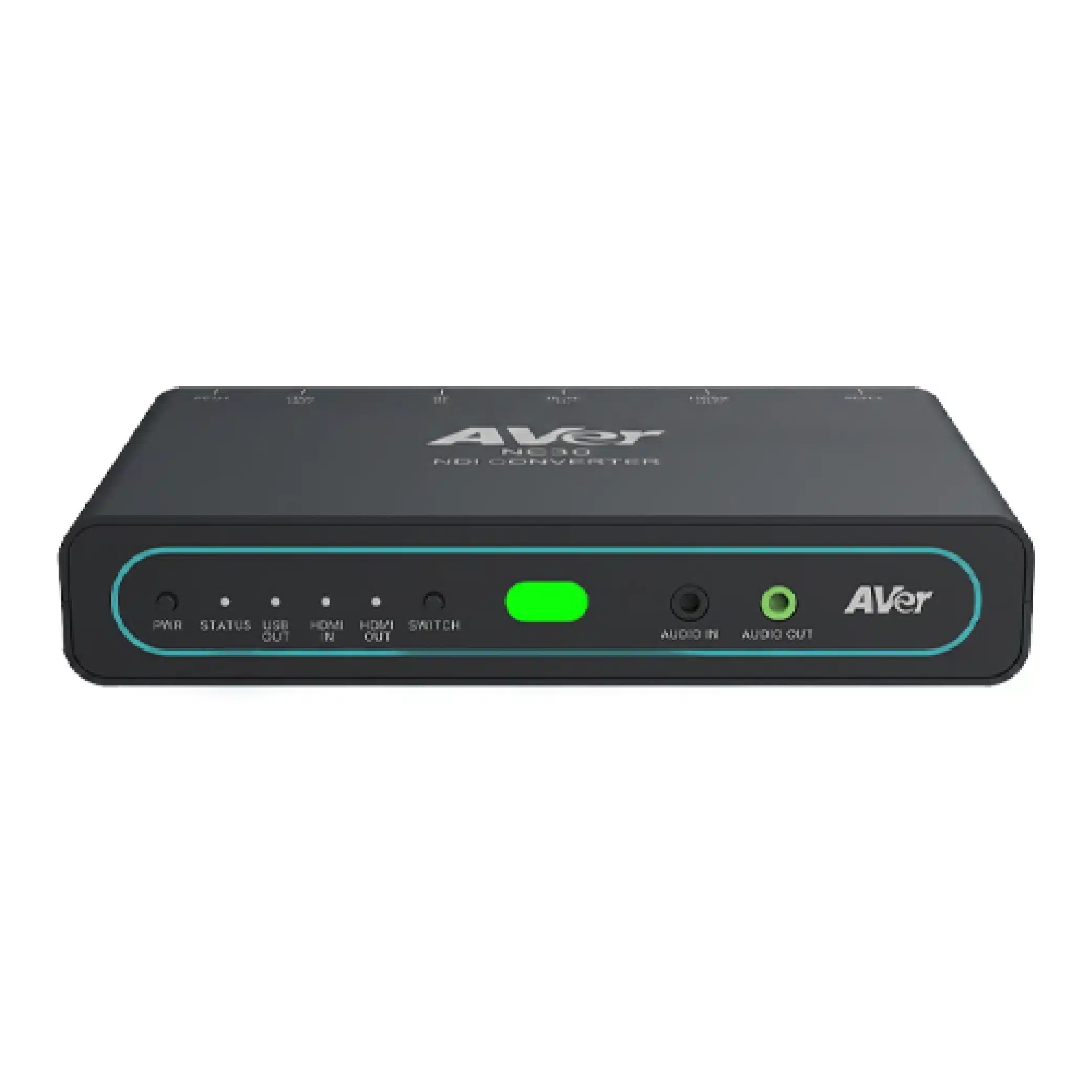
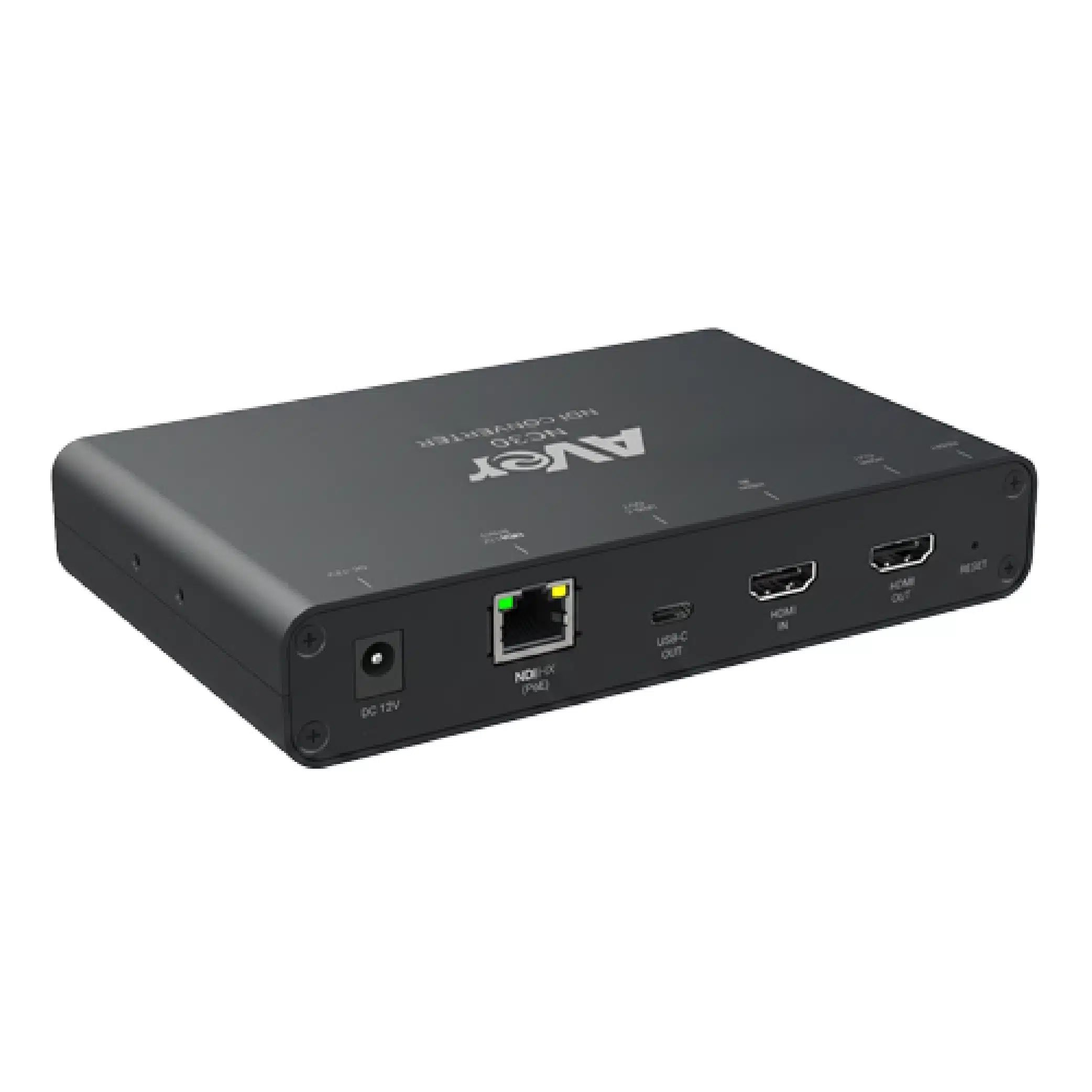
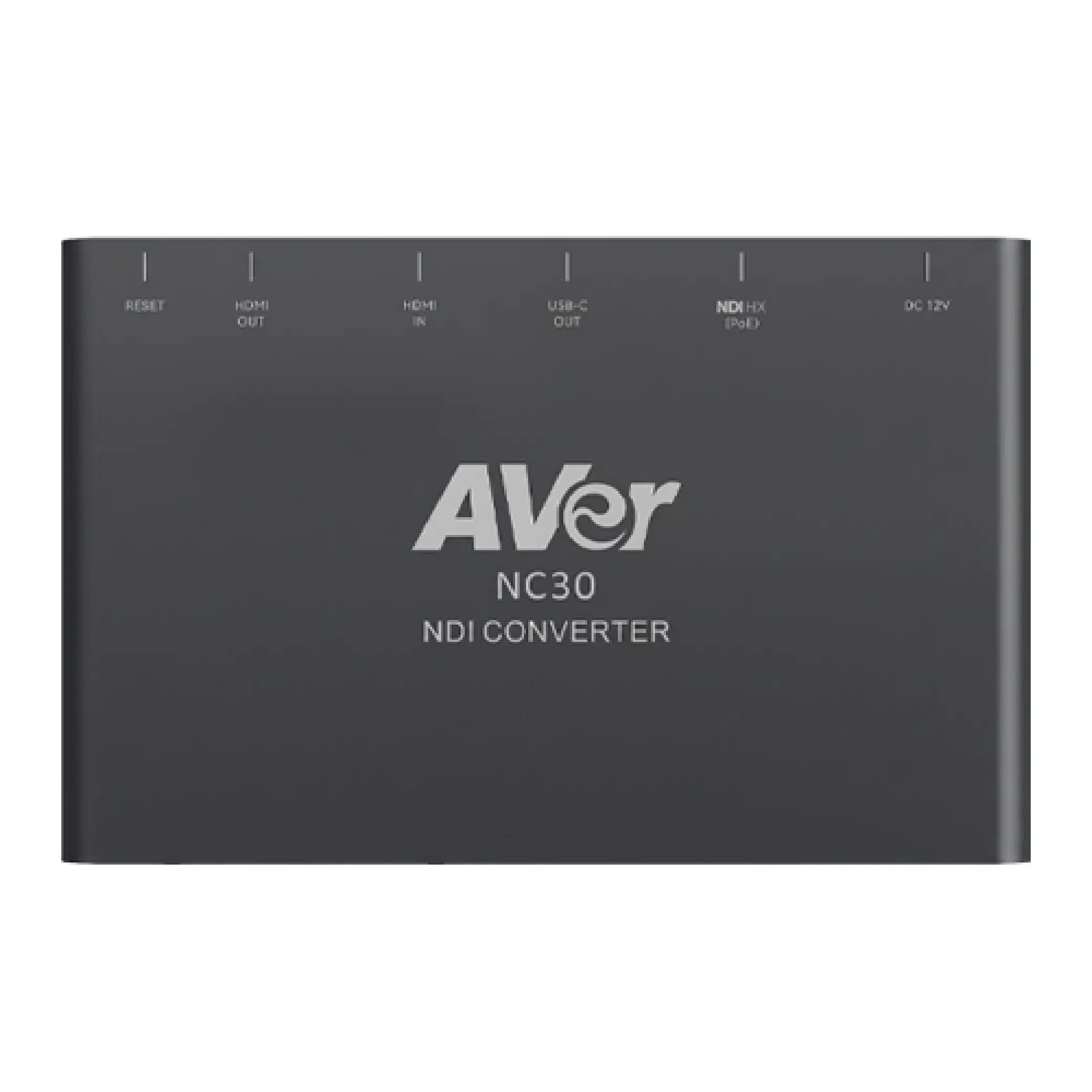
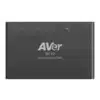
AVer NC30

NDI® Converter

The AVer NC30 NDI® Converter is a bi-directional NDI converter built for Pro AV environments, supporting NDI HX2 and HX3 for efficient, low-latency 4K video over standard networks. Switch between NDI encoding and decoding modes to bridge HDMI® sources and IP video streams — with 4K60P output to HDMI and USB-C in decoding mode. Centralized control via Enterprise Management makes multi-space NDI deployments faster to set up and easier to maintain across campuses, enterprises, and production spaces.

Share:

Simultaneous 4K 60P HDMI & USB-C Output.

In decoding mode, the NC30 streams 4K 60fps* video to a display via HDMI while simultaneously delivering video to a laptop over USB-C. Keep both connections live without adapters or extra setups — an ideal solution for ensuring presentation equity in hybrid classrooms, meeting rooms, and live production.

Dual Modes. Total Flexibility.

Easily switch between encoding and decoding modes to adapt to your workflow. Whether converting HDMI sources into an NDI network or outputting IP streams to local displays, the NC30 handles it all effortlessly.

Built for the AVer Pro AV Ecosystem.

The NC30 works natively with AVer cameras, Matrix Tracking Boxes, and BYOM Matrix Switchers, for cross-room distribution. Standardize your setup, cut integration complexity, and build scalable AV-over-IP architectures that expand from a single room to multiple classrooms, meeting rooms, training spaces, and live production environments.

Centralized NDI Routing. Powered by Enterprise Management.

Manage your entire NDI network via Enterprise Management software. Assign signals and switch sources through an intuitive interface featuring multi-stream previews. It transforms complex IP routing into a faster, easier process.

Zero-Latency Display. Streamlined Control.

In encoding mode, the HDMI Loop-out delivers instant, zero-latency live feeds for monitoring in professional live production. Network-based PTZ camera control and NDI low-latency streaming unify video transmission and device management into a single, cohesive workflow.

Media Resources

FAQ

A detailed answer to provide information about your business, build trust with potential customers, or help the visitor with a problem they may be encountering

A detailed answer to provide information about your business, build trust with potential customers, or help the visitor with a problem they may be encountering

A detailed answer to provide information about your business, build trust with potential customers, or help the visitor with a problem they may be encountering

A detailed answer to provide information about your business, build trust with potential customers, or help the visitor with a problem they may be encountering

A detailed answer to provide information about your business, build trust with potential customers, or help the visitor with a problem they may be encountering

A detailed answer to provide information about your business, build trust with potential customers, or help the visitor with a problem they may be encountering

A detailed answer to provide information about your business, build trust with potential customers, or help the visitor with a problem they may be encountering

A detailed answer to provide information about your business, build trust with potential customers, or help the visitor with a problem they may be encountering

Customer Reviews

“A review from a customer who benefited from your product. Reviews can be a highly effective way of establishing credibility and increasing your company's reputation.”
Customer Name
“A review from a customer who benefited from your product. Reviews can be a highly effective way of establishing credibility and increasing your company's reputation.”
Customer Name
“A review from a customer who benefited from your product. Reviews can be a highly effective way of establishing credibility and increasing your company's reputation.”
Customer Name